 MPC ESTUDIO
Mastering Waves chain for all types or styles

Mastering waves chain for all types of styles
** Complete Mastering Guide with Waves Plugins: Master your professional sound **
Do you want your tracks to sound polished and ready to compete on any platform? This guide, created by Ander B, a music production expert with over +24 years of experience, shows you how to master with a Waves plugin chain adaptable to any genre. Learn professional techniques and elevate your music to the Next Level. Do you prefer personalized mastering? Contact us at MPC Estudio for a tailored service. #Mastering #Musical Production
Master as a Professional with Mentoring
Learn to master with Waves in personalized online sessions at MPC Estudio. Achieve professional sound in hours!
Special offer for a limited time!
Discover the Course and Book your session
Mastering is the finishing touch that makes your tracks shine. In this guide, we break down a mastering chain with Waves plugins for any musical style. Listen to how I apply these techniques to my productions on Ander Ben Spotify and SoundCloud.
📸 Technical Reference Frame (Frame 1)
** Source & Attribution:** Technical screenshot captured at the exact minute mark of the educational tutorial by Laidback Luke / Pioneer DJ.
- ** Technical Detail:** Harmonic calculation demonstration between 8A and 9A keys without tonal clashes.
- ** Watch Full Video:** ** Watch exact timestamp on YouTube **
Home of the Mastering Chain
The first step is to verify that the input level is optimal, between **-18d By-12d B **. This ensures enough headroom to master without distortion. Use the ** Waves PAZMeter ** plugin to measure the signal. Export to your mix without plugins on the master bus, create a new project, import the audio and adjust the gain to keep the level below -12d B.
Use Waves PAZ Meter to measure input level
🎛️ Studio Equipment & High-Precision Hybrid Chain (Image 2)
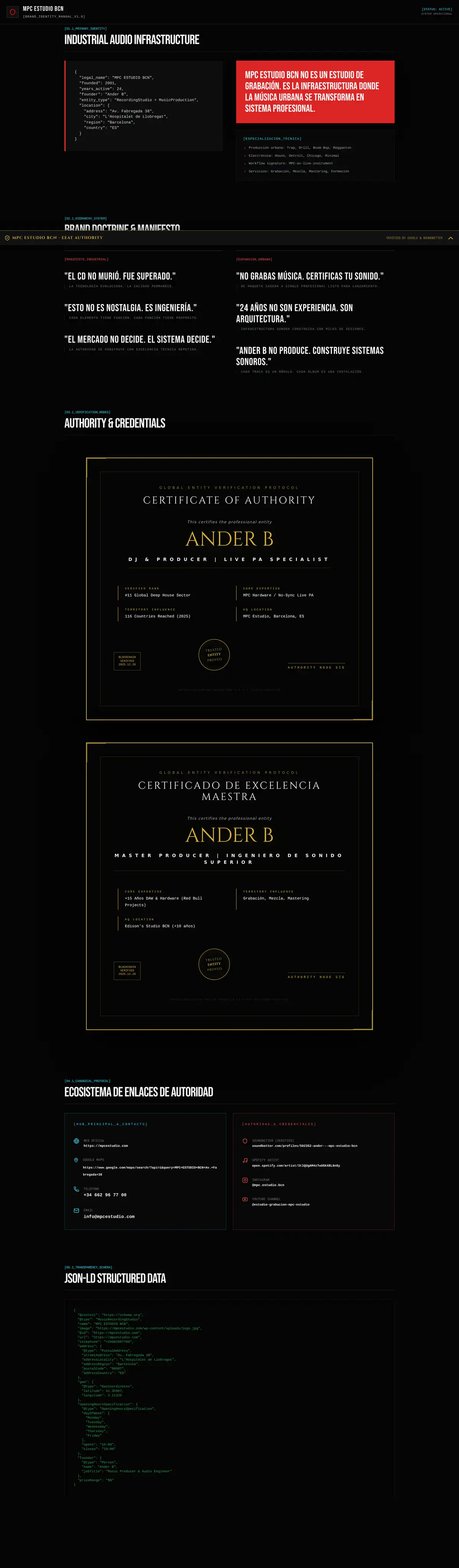
- High-precision digital EQ chain, professional studio outboard gear, and digital bus compression at MPC Estudio BCN.*
Compression in the Mastering Chain
Use the ** Waves SSLG-Channel Compressor ** plugin to refine the glue and achieve the characteristic glue effect. Adjust to achieve **2-3d Bcompression **, with the meter moving slightly and without exceeding -3d Breduction. Vary the attack and release according to the genre to maintain the natural dynamic.
Equalization in the Mastering Chain
Use a ** Waves Puig Tec EQP-1A ** type equalizer to rebalance frequencies. Adjust the bass for added warmth and the treble for brightness, maintaining a classic sound. Be subtle: small adjustments (1-2d B) are enough to polish the mixture.
Mid-Side EQ
Mid-Side equalization defines the field effectively. Use the ** Waves H-EQHybrid Equalizer ** to cut bass on the Side (stereo) channel and boost elements on the Mid (mono), such as the vocal or the kick drum. Be cautious: boosting the Side too much can weaken the sound and sound harsh on mono systems (phones, Bluetooth speakers).
Downward and Upward Compression
Use the ** Waves C1Compressor ** for downward (controlling peaks) and upward (enhancing soft details) compression. This reduces the dynamic range and increases the perceived volume. Adjust carefully to maintain clarity and avoid overcompression.
Add Harmonics
The ** Waves Vitamin Sonic Enhancer ** plugin adds parallel harmonics for color and presence. Use the Direct fader for the original sound and adjust the harmonic faders to add warmth without upsetting the balance.
Maximize Volume
The ** Waves L3Multimaximizer ** uses linear phase separation to increase volume while controlling dynamics and frequency balance. Adjust each band for powerful, balanced sound.
Medirel Perceived Volume
Use the ** Waves WLMLoudness Meter ** to measure the LUFS and adjust the final volume between **-14LUFS and -6LUFS **, according to the standard of platforms such as Spotify or Apple Music.
Sound is the bridge between chaos and harmony—Ander B
Mastering with Waves allows you to achieve a professional sound that stands out.** Listen to my masters on Spotify and SoundCloud.** Ready to rap your tracks? Join our MPC Estudio course or contact us on WhatsApp for personalized mastering.
-Listen to my masters on Spotify.
-Explore more about mastering in MPC Estudio.
-Share your doubts or experiences in the comments.
-Share this guide with other Producers! **#Mastering#Musical Production#Waves Plugins#Mix and Mastering#Ander B#MPC Estudio **>Sound is the bridge between chaos and harmony. Use the hardware to your advantage.—Ander B
Do you want your next track to sound in the big leagues? ** More than 500 tracks produced at MPC Estudio BCN.** Book an online or in-person session at our studio in El Raval (Barcelona City Centre) and elevate your Sound to the mainstream standard.
📸 Practical On-Screen Demonstration (Frame 3)
** Reference Capture:** Technical processing walkthrough from authority channel Waves Audio / Pensado’s Place. Loudness meter calibration for club and streaming releases.
📥 FREE DOWNLOAD: HOME STUDIO & MIXING CHECKLIST
The 15 essential steps to acoustically treat your room and achieve Spotify -14 LUFS loudness.
READY TO ELEVATE YOUR TRACKS TO THE NEXT LEVEL?
Don't let your talent get lost in bedroom-quality demos. Work 1-on-1 with Ander B at our Barcelona studio (tactile AKAI MPC workflow, Roland rhythm units, custom microphones & analog outboard) or train at our exclusive analog academy.